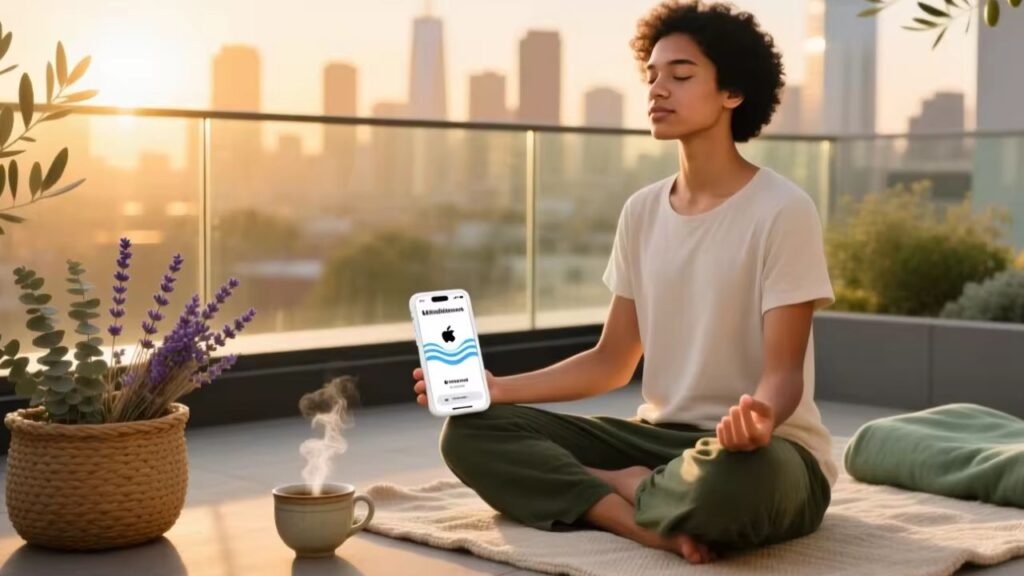
Over the past year, Apple’s Mindfulness app has changed from a simple breathing tool to a daily practice that helps you think clearly and be aware of your feelings. This app is already on your Apple Watch or iPhone, so you don’t need to download it. It has two main features: Breathe, which guides deep breathing with haptic feedback, and Reflect, which encourages short periods of self-reflection. For most people, especially those who are new to mindfulness, it’s enough and works well with other things. You don’t need to think too much about this if you’re a normal user. Using the app every day, even for just one minute, is the best way to get the most out of it. Apple’s solution is free, private, and made to work in the real world, not just for performance metrics. This is different from third-party apps that need subscriptions or complicated setups. The app got better mood logging and Health app syncing with the recent updates to iOS 17 and watchOS 10. This makes it more useful than ever for light self-reflection without digital clutter.
The Apple Mindfulness app, which used to be called Breathe, is a native app for devices that run watchOS and visionOS. It also works with the iPhone’s Health app. Not to replace formal meditation, but to encourage short, purposeful breaks during the day. These breaks help people get back in touch with their breath, notice how they are feeling right now, and make space between stimulus and response, which is a basic idea of mindfulness.
People mostly use it in three situations: when they’re really stressed out (like before a meeting), when they’re switching from one part of the day to another (like their morning routine or after work), and as part of a larger wellness habit that the Health app keeps track of. The app doesn’t have guided voice meditations like Calm or Headspace. It uses subtle wrist vibrations and visual animations to help you breathe in and out. Apple’s philosophy of making personal technology easier to use is in line with this simple design philosophy.

The Apple Mindfulness App Is Getting More Popular
Recently, there has been a clear move toward adding mental health tools directly into everyday devices. People don’t want to manage another app; they want features that fit in with their daily lives. Wearable health tracking has made it easier to keep track of your breathing and mood. Apple’s decision to combine mindfulness with fitness and sleep tracking meets this need.

This trend shows that people are moving away from reactive solutions and toward preventative self-care. People don’t want to spend an hour meditating; instead, they want to do short practices while they wait for coffee or walk between meetings. The Mindfulness app encourages that kind of behaviour.
Also, worries about privacy when it comes to mental health data have kept a lot of people from using apps that depend on the cloud. Users feel more in control because Apple processes mindfulness and mood data on the device itself (with optional iCloud sync). This sets it apart from platforms that look at user input to deliver personalised content.
Ways of doing things and differences
Structured programs, like courses or timed meditations, and ambient nudges, like short check-ins or breathing exercises, are the two main ways people practise mindfulness online. The Apple Mindfulness app is definitely in the second group.
- Breathe Mode lets you set breathing sessions that last from 1 to 5 minutes. You get gentle taps on your wrist while watching an animation of a circle that grows and shrinks. It might show how your body reacted afterward if it was synced with heart rate monitoring.
- Reflect Mode shows a prompt like “What are you thankful for today?” or “How do you feel right now?” You can choose a mood tag based on an emoji and add notes if you want. The Health app saves these entries under “State of Mind.”
In comparison to apps made by other companies:
| Feature | Apple Mindfulness | Apps from other companies, like Calm and Headspace |
|---|---|---|
| Cost | Free (included) | Paid subscriptions cost an average of $70 per year. |
| Session length | 1 to 5 minutes for “Breathe,” about 1 minute for “Reflect” | 5 to 30 minutes for guided sessions. |
| Style of Guidance | Visual and haptic | Voice-led with music and soundscapes |
| Privacy of Data | By default, on-device | Cloud-based, and it depends on the provider |
| Putting things together | Completely synced with the Health app | Few options for exporting |
If you value simplicity, consistency, and not spending a lot of time on your screen, Apple’s way of doing things makes it easier to get started. Without narration, you stay in the moment instead of following someone else’s voice.
If you’re already overwhelmed by digital choices, adding another subscription won’t help. You don’t need to think too much about this if you’re a normal user. Begin with what you already have on your wrist.
Important Features and Specifications to Look At
- Flexible Duration: You can pick a session length of 1 to 5 minutes. Perfect for busy schedules.
- Haptic Feedback: Gives you physical cues during breathing cycles. Good for when you can’t see the screen.
- Mood Logging (State of Mind): It lets you see how your feelings change over time.
- Notification Reminders: Set your own reminders to breathe or think at certain times.
- Watch Face Complications: You can see mindful minutes right on your watch face.
- iCloud automatically syncs data between your iPhone, iPad, and Apple Watch.
Progress streaks, achievement badges, and social sharing are all missing on purpose so that gamification doesn’t get in the way of real presence.
Pros and Cons
Pros
- You don’t have to pay anything or sign up.
- Strong ties to the Apple ecosystem
- Processing on the device protects user privacy
- Low time commitment means less activation energy
- Haptic guidance lets you use your hands without looking
Not good
- There isn’t as much variety in the content as there is in dedicated apps.
- No voice guidance or features for sleep
- Only works on Apple devices
- There isn’t much you can change about Reflect prompts.
How to Pick the Best Mindfulness Method
Choosing the right method has less to do with its features and more to do with how you actually act.
- Do you really take breaks during the day? If not, start with Breathe mode. One minute is important.
- Do you keep track of things consistently? To avoid getting burnt out, only use State of Mind once a week, not every day.
- Do you forget to practise? Turn on notifications, but only for one time (like noon).
- Do you use more than one device? If you have Android or Windows in your setup, Apple’s app won’t work.
Don’t make these common mistakes:
- Over-customizing means spending more time changing settings than actually practicing.
- Chasing metrics: Mindful Minutes are not goals; they are signs. Don’t count them like steps.
- Waiting for the “right moment”: There is no such thing as a perfect time. Do it when you think of it, even if it’s messy.
Understanding and Cost Analysis
The Apple Mindfulness app is free. It doesn’t need any extra purchases, unlike the best alternatives:

- Calm costs $70 a year.
- $70 a year for Headspace
- Insight Timer has a free tier and a Pro version that costs $60 a year.
Many users only use the basic breathing and sleep features, even though third-party apps have more content. Research indicates that feature overload frequently results in abandonment. Apple’s simple model avoids this problem by providing just enough structure to help people form habits without getting in the way.
If you already have an Apple Watch, the app doesn’t cost you anything extra. The Health app’s mindfulness section still lets iPhone-only users use the feature.
| Choice | Best For | Possible Drawback | Budget |
|---|---|---|---|
| Apple Mindfulness | Micro-practices every day, integration | Limited depth of content | Free |
| Calm / Headspace | Sleep stories and guided journeys. | Subscription required | $70 a year |
| Insight Timer | A lot of different features and a community | Ads and the quality isn’t always good. | Free / $60 |
Better Solutions and Analysis of Competitors
Combining Apple’s app with a free outside resource can be helpful for users who want more depth. For instance, use Breathe for quick resets during the workday and add longer sessions on the weekends with Insight Timer’s free library.
But fragmentation has a price: data that doesn’t fit together, too many notifications, and less reliability. Apple’s strength is in how well everything works together, not how much it has.
Putting together customer feedback
User reviews bring up a few common themes:
- Good: The simplicity, the fact that it works well with the Apple Watch, and the fact that the reminders don’t get in the way.
- Negative: Wanting more variety The Health app has a few problems: it doesn’t have voice guidance, it doesn’t have a lot of analytics, and it doesn’t have a lot of prompts.
People are often surprised at how helpful even one-minute sessions can be when they are feeling overwhelmed. Some people say that seeing mindful minutes add up in the Health app makes them want to keep using it, but others say that the metric is useless without context.
Safety, maintenance, and legal issues
Aside from regular system updates, the Apple Mindfulness app doesn’t need any maintenance. It doesn’t collect any biometric data that isn’t needed to compare heart rates during breathing sessions (if that feature is turned on). All mood and reflection logs are stored locally and encrypted unless they are synced with iCloud.
The app does not diagnose, treat, or claim to make any medical condition better, which is very important. It is marketed as a tool for health, not as a medical treatment. Apple follows privacy laws around the world, such as GDPR and CCPA, giving users full control over deleting and exporting their data.
Conclusion: Summary of the Conditional Recommendation
The built-in Mindfulness app is a great place to start if you want to add mindfulness to your day without spending any money or making it hard to do. It is perfect for use in the real world because it works with Health and gives haptic feedback.
If you need structured programs, voice guidance, or help sleeping, you might want to add a third-party app. However, keep in mind that adding more features may make things less consistent.

You don’t need to think too much about this if you’re a normal user. Start by taking five deep breaths. Do it again the next day.